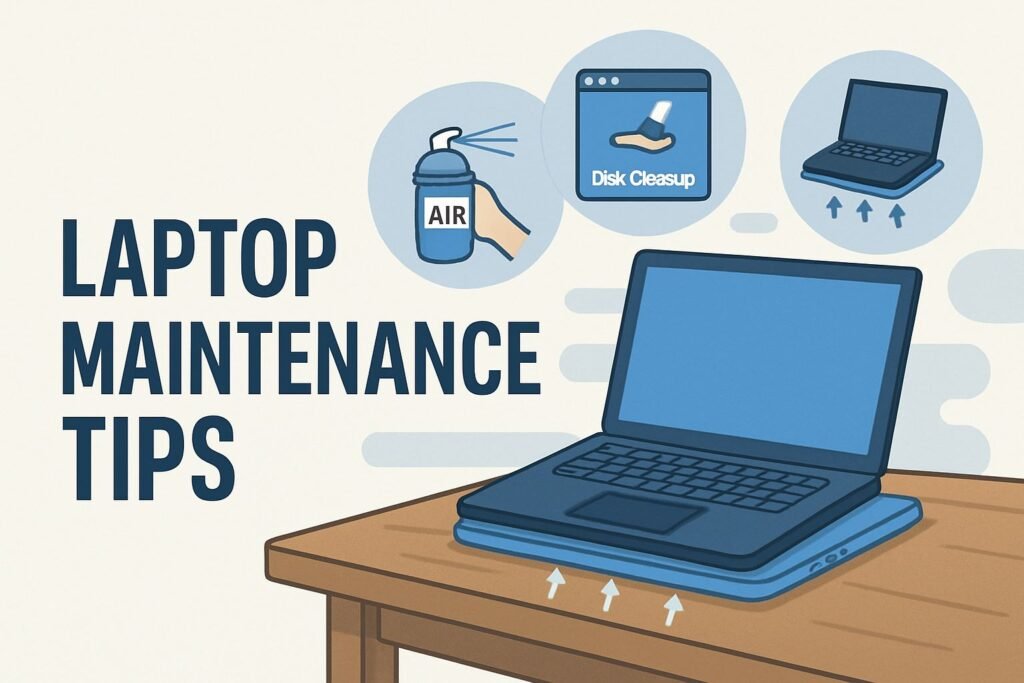
Laptop Maintenance Tips
Laptops have become an inseparable part of our personal, academic, and professional lives. Whether you use your laptop for work, study, or entertainment, keeping it in top condition ensures better performance and longer life. In this guide, we’ll explore 15 essential laptop maintenance tips that cover everything from cleaning and storage to software optimization and security.
Table of Contents
-
Introduction: Why Laptop Maintenance Matters
-
Laptop Maintenance Tips for Hardware Care
-
Regular Cleaning
-
Proper Ventilation
-
Battery Care
-
Safe Storage
-
External Accessories
-
-
Laptop Maintenance Tips for Software Optimization
-
Keep Your OS and Drivers Updated
-
Manage Startup Programs
-
Clear Cache and Junk Files
-
Use Antivirus and Security Tools
-
Regular Backups
-
-
Laptop Maintenance Tips for Performance Boost
-
Upgrade RAM and Storage
-
Use Cooling Pads
-
Optimize Power Settings
-
Remove Unused Apps
-
Monitor Laptop Health
-
-
FAQs on Laptop Maintenance
-
Conclusion
1. Introduction: Why Laptop Maintenance Matters
Your laptop is like your personal workstation, entertainment hub, and storage unit combined into one. But over time, dust, outdated software, and poor usage habits can slow it down. By following practical laptop maintenance tips, you not only keep your device healthy but also avoid costly repairs.
How to Learn Coding as a Beginner – A well-maintained laptop helps coding beginners practice without lag.
2. Laptop Maintenance Tips for Hardware Care
2.1 Regular Cleaning
Dust and dirt can block your laptop’s ventilation system, causing overheating. Clean your keyboard and screen weekly with a microfiber cloth. For deeper cleaning, use compressed air to remove dust from vents.
2.2 Proper Ventilation
Always use your laptop on a hard surface like a desk. Avoid soft surfaces like beds or couches that block airflow. Overheating reduces performance and damages internal components.
External Link: Dell’s Guide on Laptop Overheating
2.3 Battery Care
Modern lithium-ion batteries perform best when charged between 20–80%. Avoid draining the battery completely or keeping it plugged in 24/7. Use battery saver modes for extended battery health.
2.4 Safe Storage
When not in use, store your laptop in a padded bag or sleeve. Avoid leaving it in hot cars or damp places. Extreme conditions damage circuits and hard drives.
2.5 External Accessories
Using a keyboard cover and screen protector prevents scratches and dust. A cooling pad improves airflow and keeps your device safe during heavy usage like gaming or video editing.
3. Laptop Maintenance Tips for Software Optimization
3.1 Keep Your OS and Drivers Updated
Software updates fix security flaws and improve speed. Always install the latest versions of Windows, macOS, or Linux updates along with driver updates for Wi-Fi, graphics, and sound.
3.2 Manage Startup Programs
Too many startup apps slow boot times. Disable unnecessary programs using Task Manager (Windows) or Login Items (Mac).
3.3 Clear Cache and Junk Files
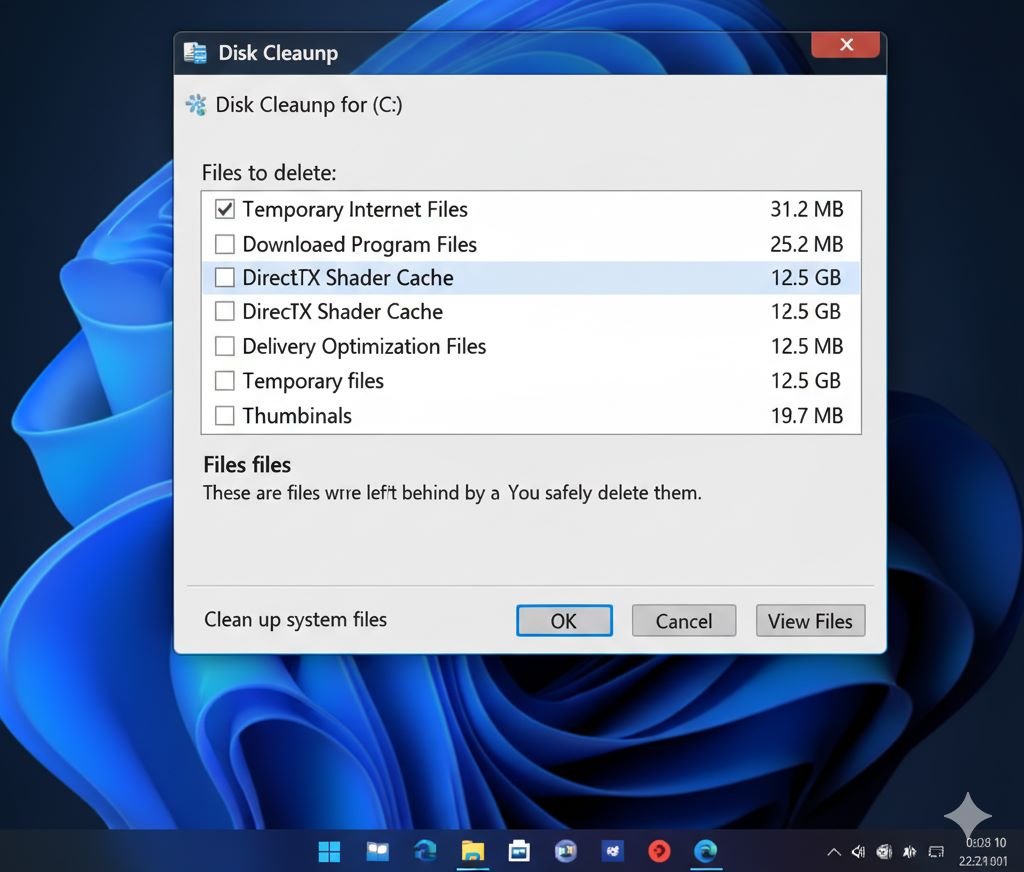
Over time, cache and temporary files eat up storage. Use built-in tools like Windows Disk Cleanup or third-party tools like CCleaner.
3.4 Use Antivirus and Security Tools
Install a reliable antivirus to protect against malware and ransomware. Popular choices include Norton, McAfee, and Bitdefender. Also, enable a firewall for added protection.
External Link: Bitdefender Antivirus
3.5 Regular Backups
Back up files to an external hard drive or cloud storage like Google Drive or OneDrive. This ensures your data is safe in case of system failure.
4. Laptop Maintenance Tips for Performance Boost
4.1 Upgrade RAM and Storage
If your laptop feels slow, upgrading RAM (memory) or switching from HDD to SSD can dramatically improve speed. Most laptops allow these upgrades easily.
4.2 Use Cooling Pads
A cooling pad is an affordable accessory that helps reduce laptop heat during long working sessions or gaming.
4.3 Optimize Power Settings
Adjust your laptop’s power settings to balance performance and battery life. For work, choose “Balanced Mode”; for gaming, “High Performance Mode.”
4.4 Remove Unused Apps
Uninstall software you don’t use. Extra apps not only take space but also run in the background, slowing performance.
Best Online Learning Platforms in 2025 – A clean laptop ensures smooth online learning.
4.5 Monitor Laptop Health
Use built-in tools like Windows Security, Apple Diagnostics, or third-party software like HWMonitor to check temperature, battery, and overall system health.
5. FAQs on Laptop Maintenance
Q1: How often should I clean my laptop?
At least once a week for external cleaning; every 3–6 months for deep cleaning with compressed air.
Q2: Can I use my laptop while charging?
Yes, but avoid keeping it plugged in continuously at 100%.
Q3: Do cooling pads really help?
Yes, they reduce overheating and extend hardware life, especially for gaming or heavy work.
Q4: Should I shut down my laptop daily?
If you use it occasionally, shut it down. For frequent use, sleep or hibernate mode is fine.
Q5: How long does a laptop last with proper care?
With good maintenance, a laptop can last 5–7 years efficiently.
6. Conclusion
Maintaining your laptop doesn’t require technical expertise—just consistent care. From cleaning and battery management to software optimization and upgrades, these laptop maintenance tips will keep your device reliable for years.
By following them, you not only boost speed and productivity but also save money on repairs and replacements.
AI Tools to Boost Productivity in 2025 – A healthy laptop is essential when using advanced AI productivity tools.